ลบพื้นหลัง AI บีบอัด ปรับขนาด และครอปออนไลน์ฟรี

ฟรีโดยสมบูรณ์ ไม่จำกัด เครื่องมือรูปภาพประจำวันที่ง่ายและรวดเร็ว ลบพื้นหลังด้วย AI บีบอัด ปรับขนาด ครอป และสกัดเฟรมจากวิดีโอ

ประมวลผลหลายรูปพร้อมกัน ออกแบบมาเพื่อแก้ไขง่ายบนเดสก์ท็อปและมือถือ รองรับ JPG, PNG, WebP, AVIF และ HEIC ปลอดภัย เป็นส่วนตัว ไม่มีโฆษณา

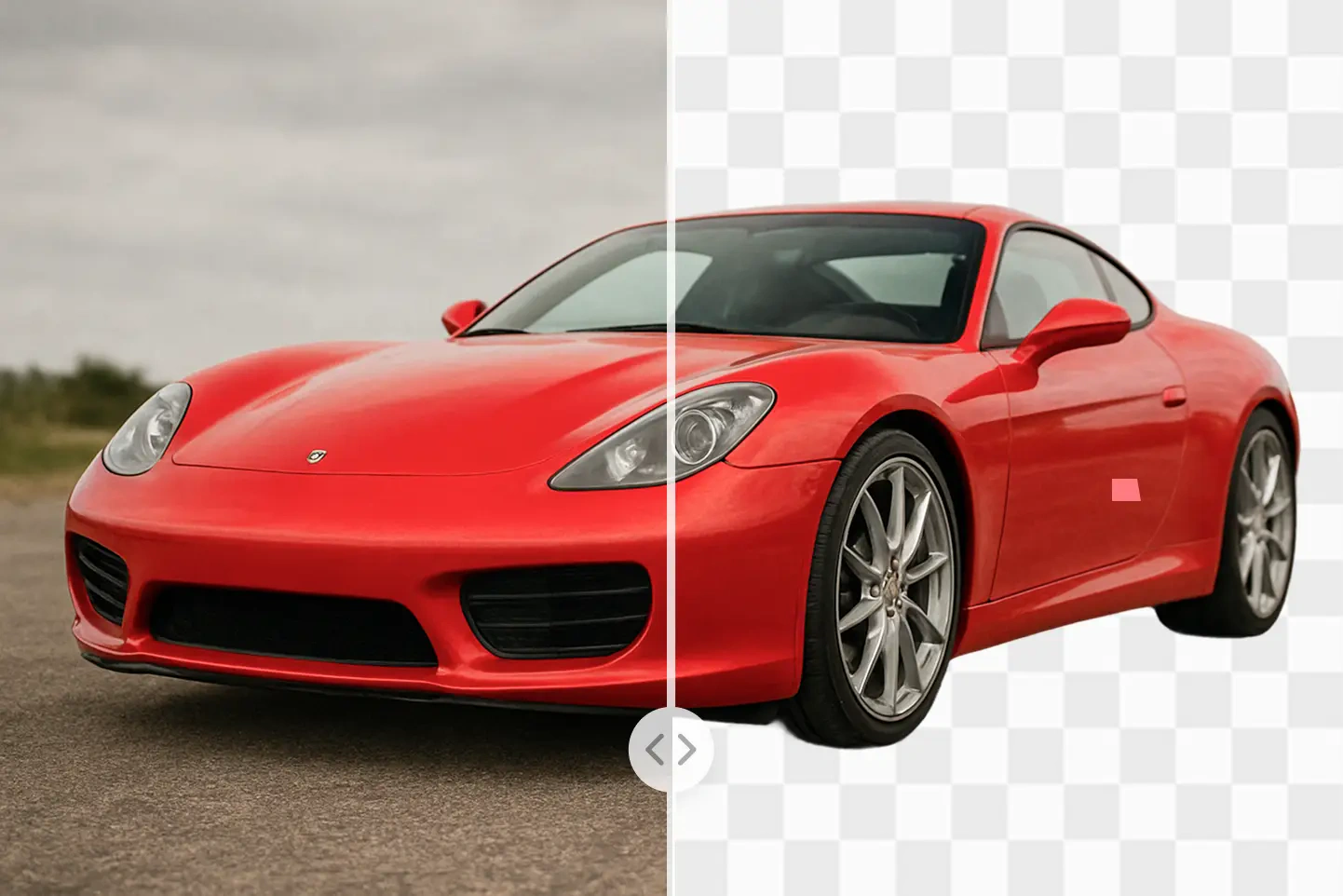
ลบพื้นหลัง AI ฟรี

ลบพื้นหลังออกจากรูปภาพของคุณโดยอัตโนมัติในไม่กี่วินาทีด้วยเครื่องมือ AI ขั้นสูงของเรา เลือกได้สูงสุด 20 ไฟล์สำหรับการประมวลผลแบบชุด เลือกพื้นหลังโปร่งใสหรือสีที่กำหนดเอง และดาวน์โหลดผลลัพธ์คุณภาพสูงทันที

เปิดเครื่องมือลบพื้นหลัง AI
Before

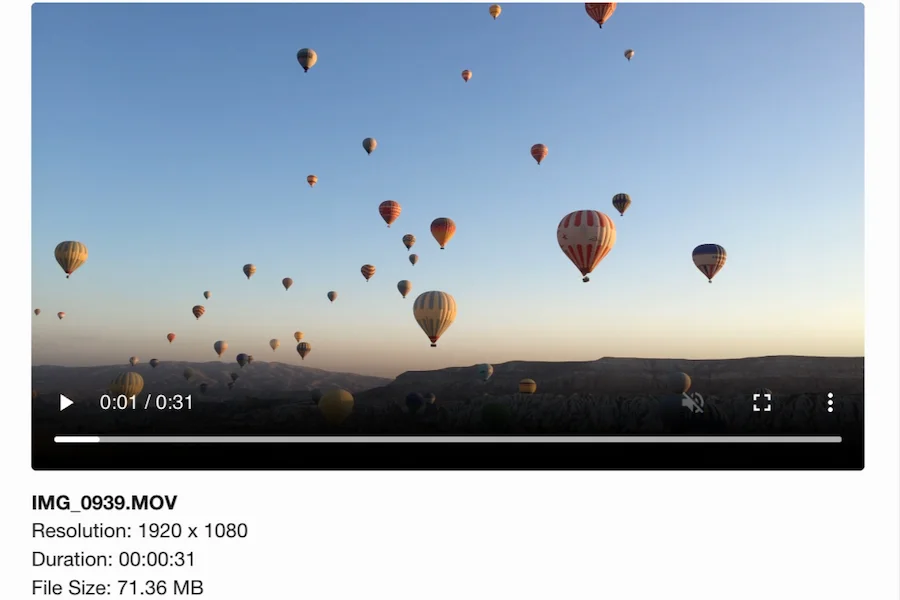
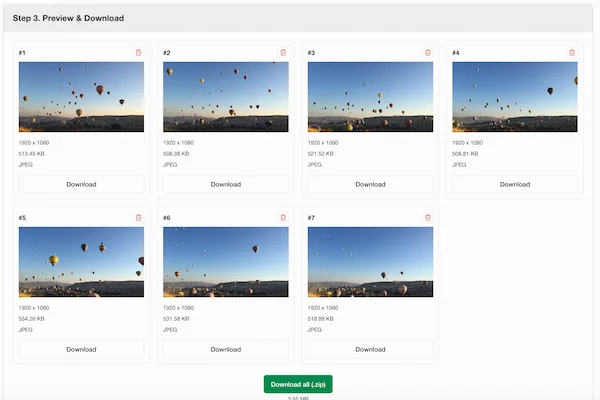
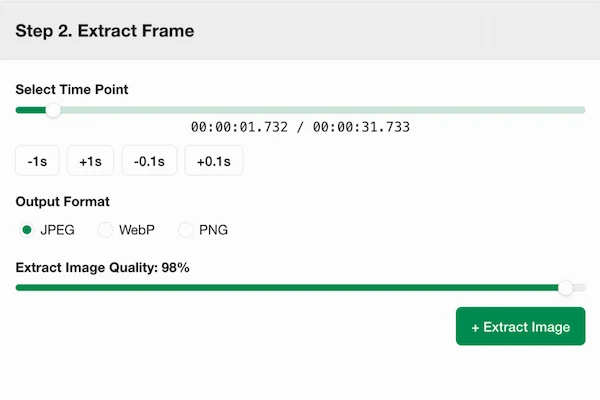
สกัดภาพจากวิดีโอ

เรียกดูเฟรมวิดีโอ เลือกช่วงเวลาที่คุณต้องการ และส่งออกเป็นภาพคุณภาพสูงในเบราว์เซอร์ของคุณ เหมาะสำหรับวอลล์เปเปอร์ ภาพอ้างอิง และภาพหน้าจอความละเอียดสูง

เปิดเครื่องสกัดเฟรมวิดีโอ
Export options
Timeline
Export options

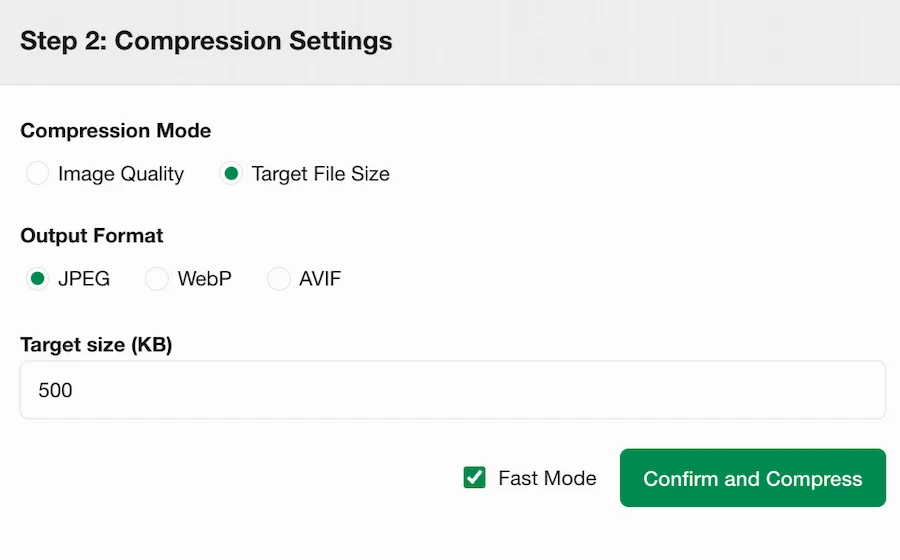
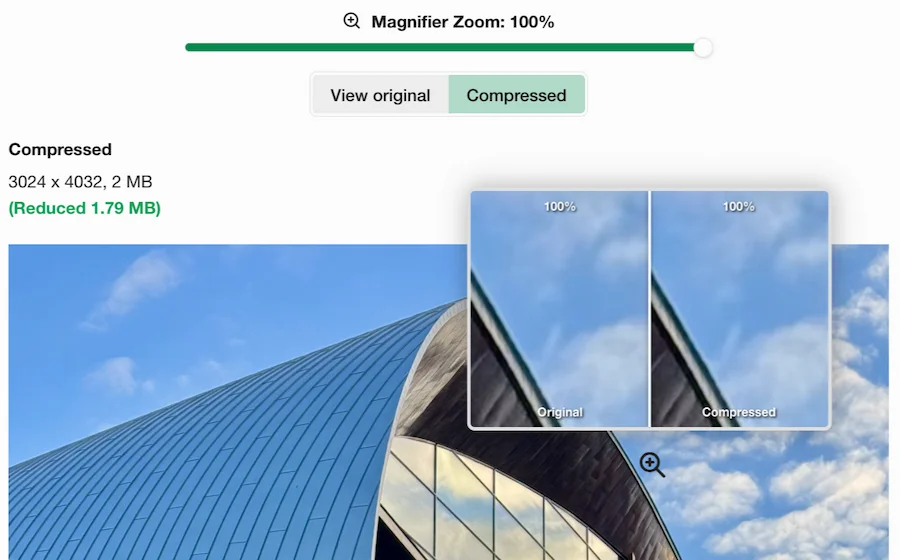
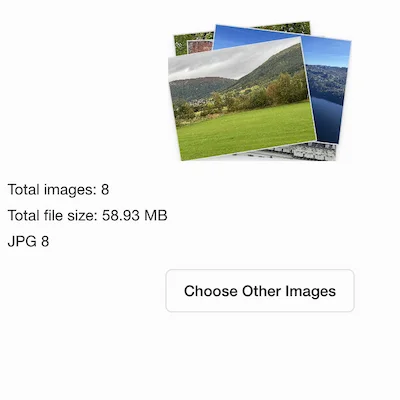
การบีบอัดที่แม่นยำ

ตั้งค่าระดับคุณภาพหรือขนาดไฟล์เป้าหมายที่แม่นยำ เลือกรูปแบบผลลัพธ์ และสลับระหว่างโหมดบีบอัดแบบรวดเร็วและมาตรฐาน ดูตัวอย่างการเปลี่ยนแปลงทันทีขณะที่คุณปรับการตั้งค่า

เปิดเครื่องบีบอัดรูปภาพ

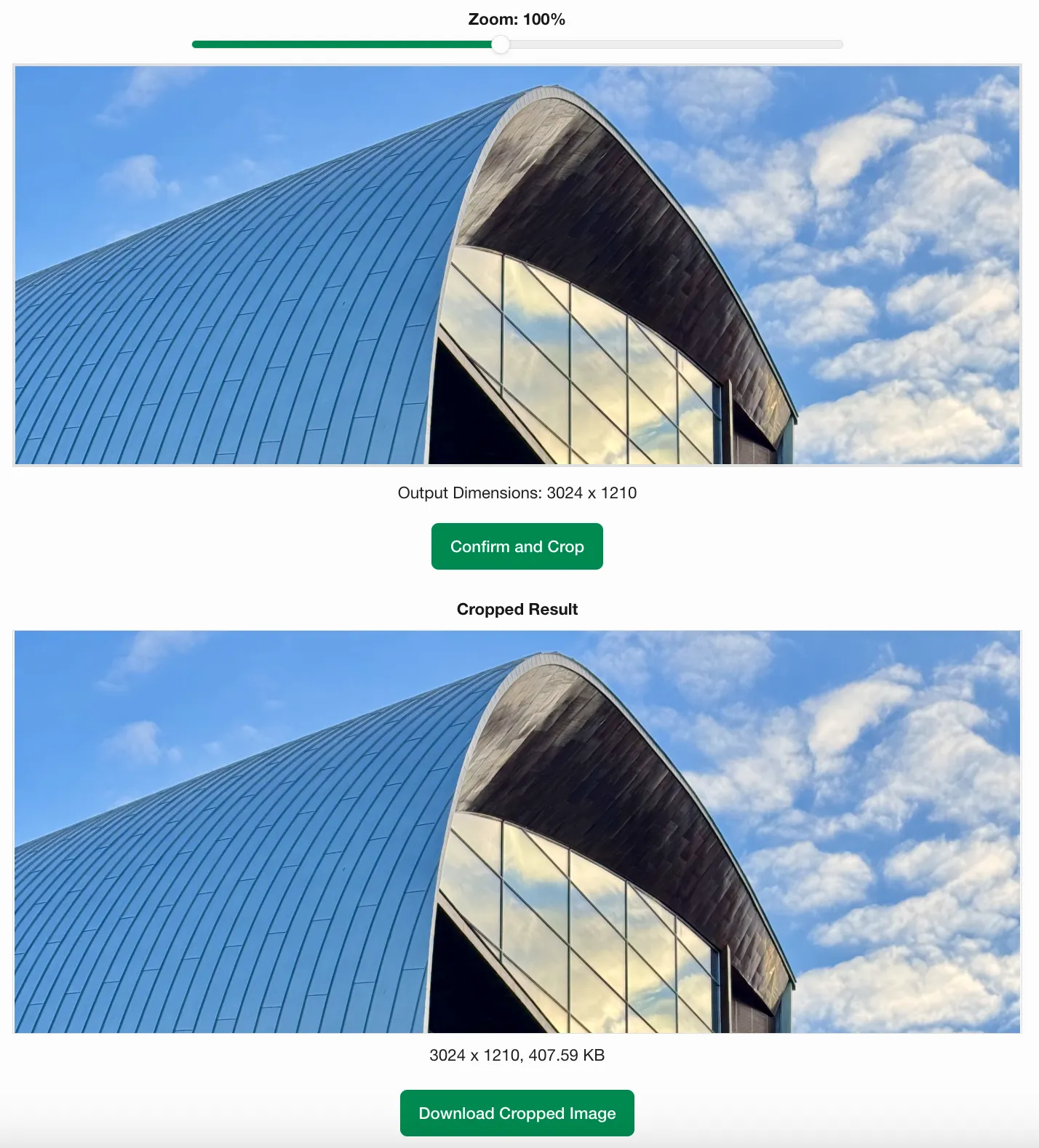
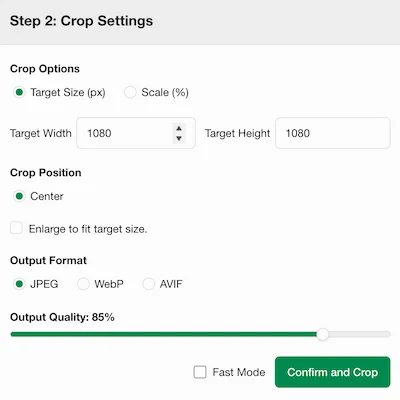
การครอปภาพที่แม่นยำ

ตั้งค่าขนาดครอปที่แม่นยำหรือปรับสัดส่วนเป็นเปอร์เซ็นต์ จากนั้นซูมและลากภาพเพื่อปรับพื้นที่ครอปให้ละเอียด โหมดแบทช์รองรับการครอปกึ่งกลางอัตโนมัติเพื่อการประมวลผลที่รวดเร็ว

เปิดเครื่องมือครอปภาพ

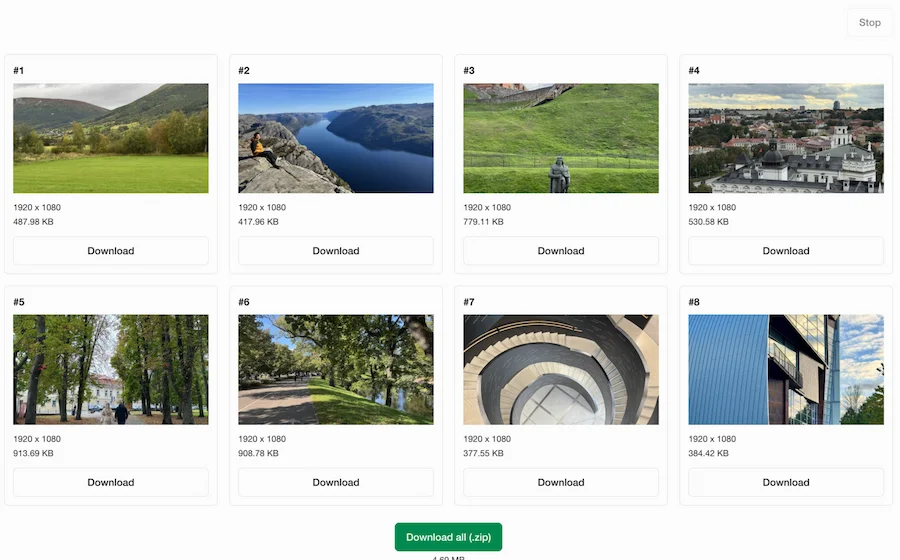
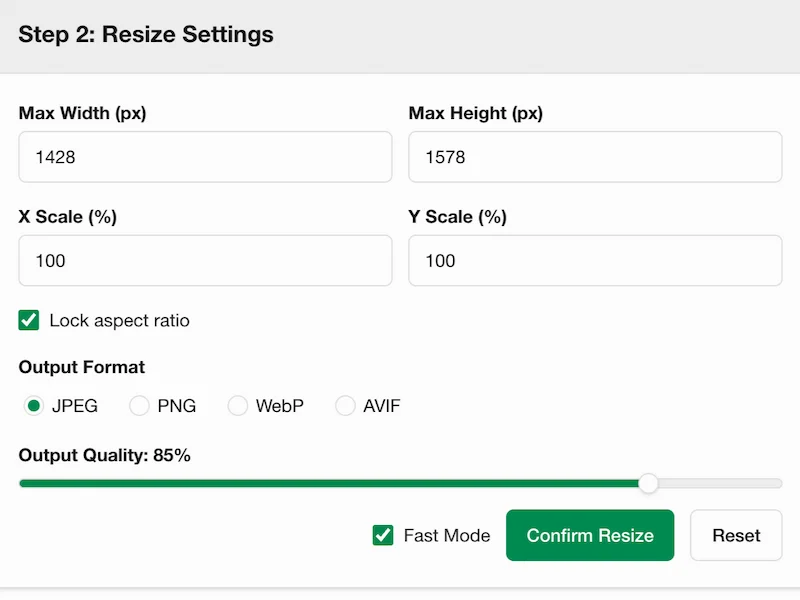
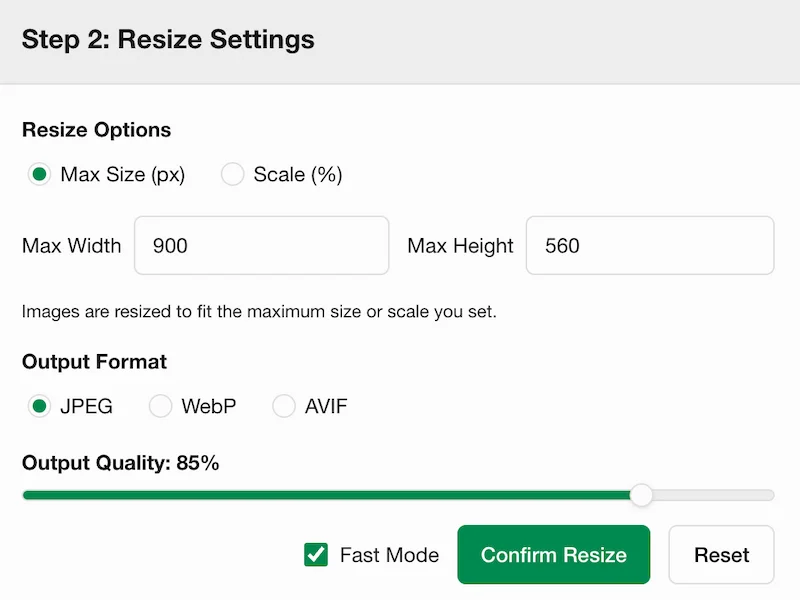
การปรับขนาดภาพที่ยืดหยุ่น

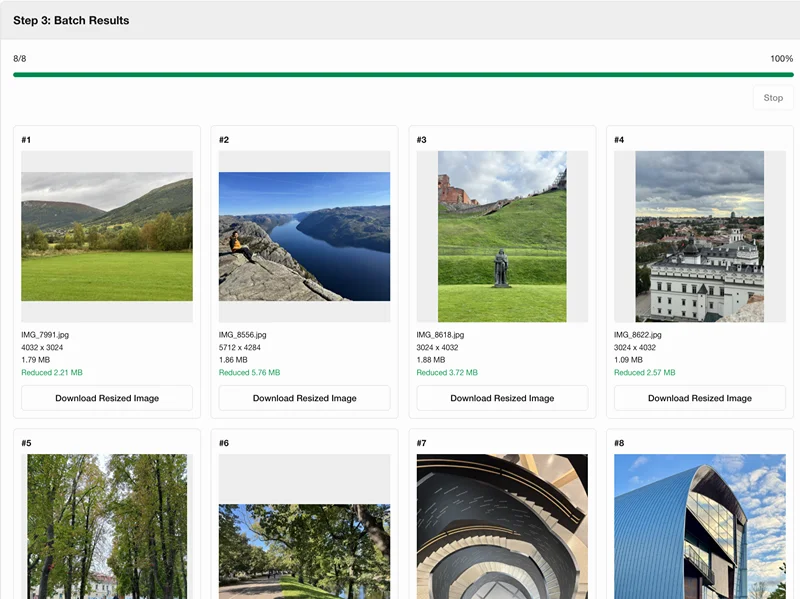
ตั้งค่าความกว้างและความสูงสูงสุดหรือปรับสัดส่วนเป็นเปอร์เซ็นต์เพื่อปรับขนาดภาพ ปรับขนาดภาพหลายภาพเป็นชุดและดาวน์โหลดทั้งหมดเป็นไฟล์ ZIP เดียว

เปิดเครื่องมือปรับขนาดภาพ

FAQ

Why is it called Picsabc?
The name Picsabc.com combines Pics (image) and abc, conveying a simple, zero-learning-curve experience. Clear UI, practical UX, and a browser-first workflow help users process images quickly without extra software.
What does Picsabc.com offer?
Picsabc.com provides browser-based core image processing tools, including image compression, cropping, resizing, and video frame extraction. The platform is designed for fast, practical media processing without extra software.
How does the tool protect my privacy?
All image and video processing runs locally in your web browser. Your files are never sent to a server, ensuring complete privacy and data security.
Why does image processing run directly in the browser?
Modern web browsers have built-in media decoding, canvas rendering, and file export. By leveraging these native browser APIs, tools process files directly on your device, ensuring speed, security, and zero server load.
Do I need to install any software or plugins?
No. All tools are entirely web-based and run directly in your browser. You don't need to install any apps or extensions to crop, compress, resize, or extract video frames.
How do I use this tool on iPhone or Android?
Open the site in any modern mobile browser on iOS or Android (such as Safari or Chrome). You can perform all core operations directly on your phone and save results to local storage.
Why does background removal require server processing while other tools run locally?
Tools like compression, resizing, and video extraction can run in the browser using local HTML5 APIs. However, high-precision background removal relies on massive AI neural networks. Files are temporarily uploaded, processed on our dedicated servers, and completely deleted within 1 hour.