বিনামূল্যে অনলাইন AI ব্যাকগ্রাউন্ড অপসারণ, সংকুচিতকরণ, আকার পরিবর্তন এবং ক্রপ

সম্পূর্ণ বিনামূল্যে, কোনো সীমা নেই। সহজ এবং দ্রুত দৈনিক ইমেজ টুল। AI দিয়ে ব্যাকগ্রাউন্ড সরান, সংকুচিত করুন, আকার পরিবর্তন করুন, ক্রপ করুন এবং ভিডিও থেকে ফ্রেম নিষ্কাশন করুন।

একসাথে একাধিক ছবি প্রক্রিয়াকরণ করুন। ডেস্কটপ এবং মোবাইলে সহজ সম্পাদনার জন্য ডিজাইন করা। JPG, PNG, WebP, AVIF এবং HEIC সমর্থন করে। নিরাপদ, ব্যক্তিগত, বিজ্ঞাপন-মুক্ত।

বিনামূল্যে AI ব্যাকগ্রাউন্ড অপসারণ

আমাদের উন্নত AI টুল দিয়ে কয়েক সেকেন্ডে আপনার ছবি থেকে স্বয়ংক্রিয়ভাবে ব্যাকগ্রাউন্ড মুছুন। ব্যাচ প্রসেসিংয়ের জন্য ২০টি পর্যন্ত ফাইল নির্বাচন করুন, স্বচ্ছ বা কাস্টম রঙের ব্যাকগ্রাউন্ড বেছে নিন এবং উচ্চ মানের ফলাফল তাৎক্ষণিকভাবে ডাউনলোড করুন।

AI ব্যাকগ্রাউন্ড অপসারণ খুলুন
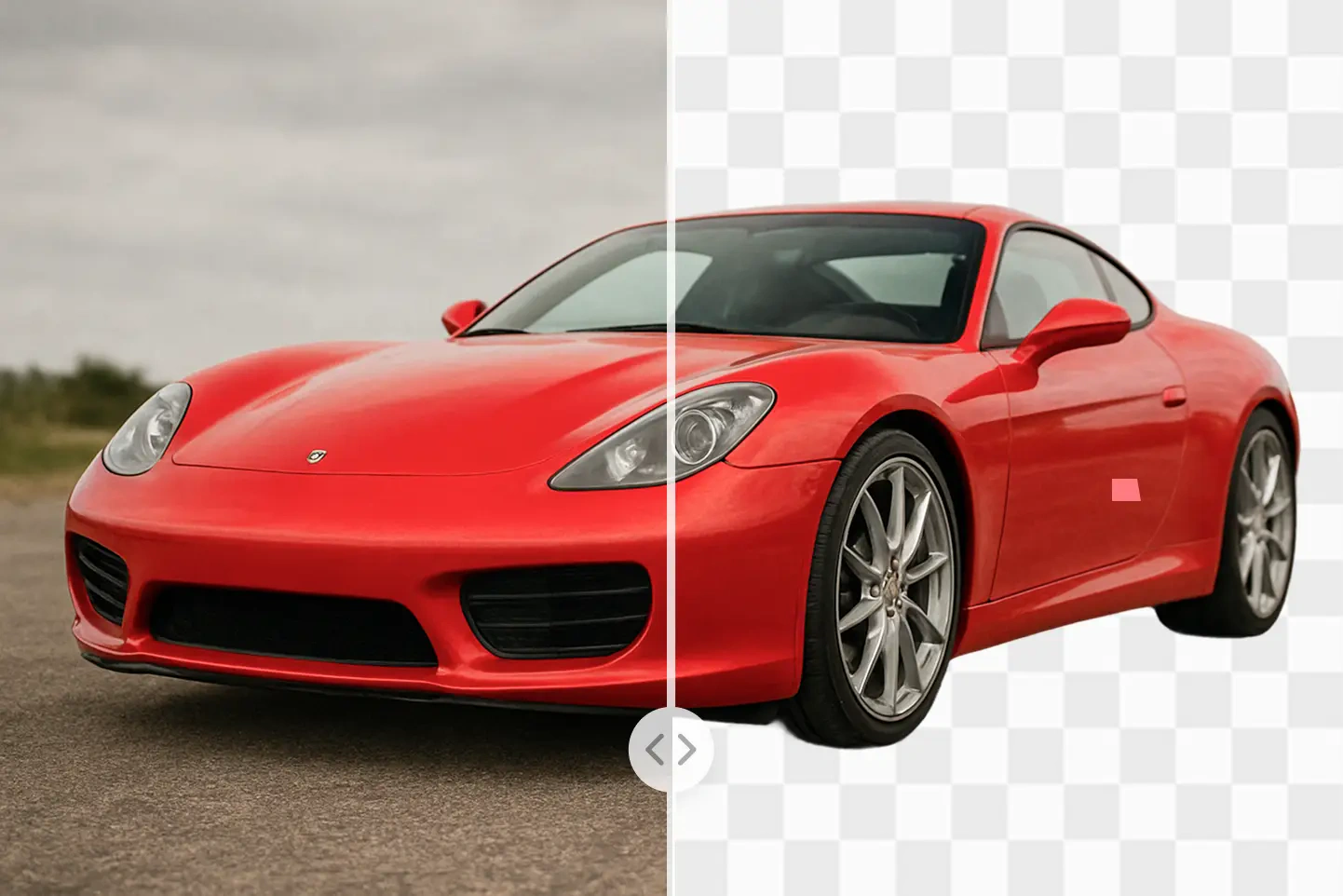
Before

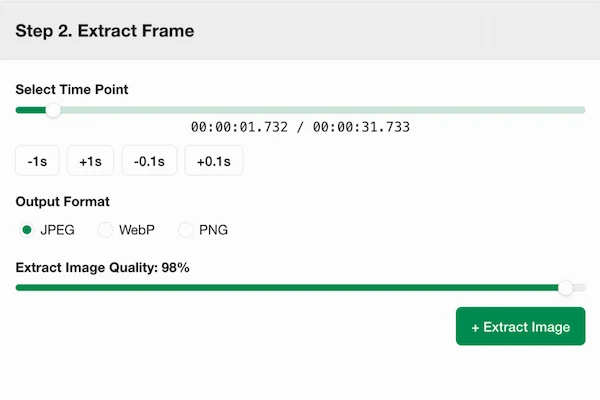
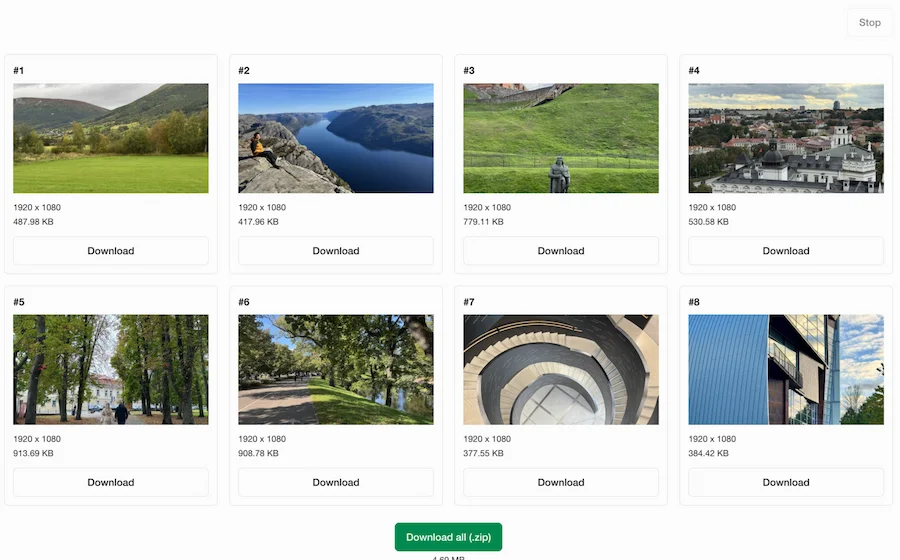
ভিডিও থেকে ছবি নিষ্কাশন

ভিডিও ফ্রেম ব্রাউজ করুন, আপনার পছন্দের মুহূর্তগুলি বেছে নিন এবং সেগুলিকে সরাসরি আপনার ব্রাউজারে উচ্চমানের ছবি হিসাবে রপ্তানি করুন। ওয়ালপেপার, রেফারেন্স ইমেজ এবং উচ্চ-রেজোলিউশন স্ক্রিনশটের জন্য নিখুঁত।

ভিডিও ফ্রেম নিষ্কাশক খুলুন
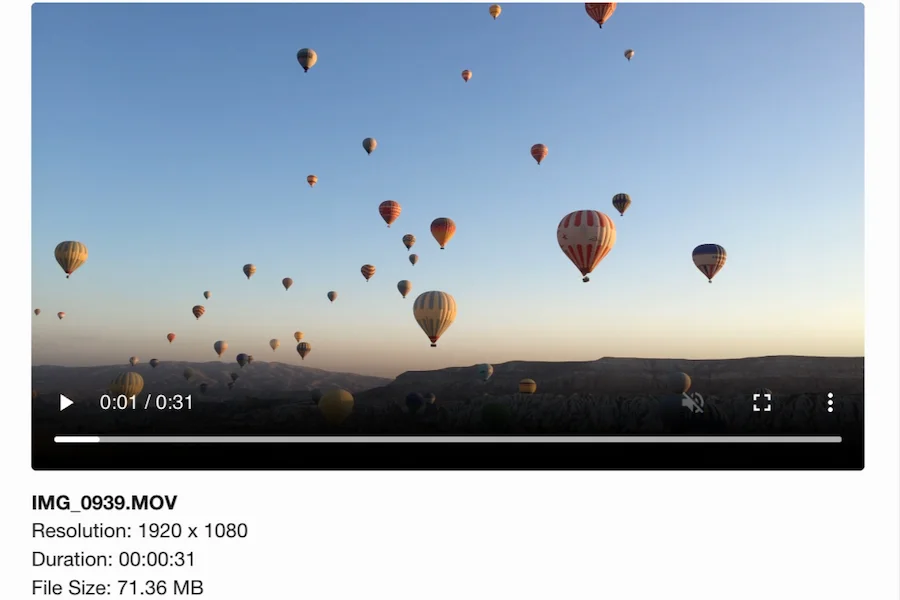
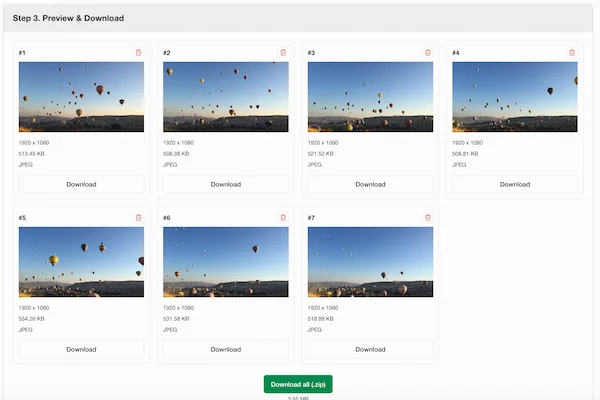
Export options
Timeline
Export options

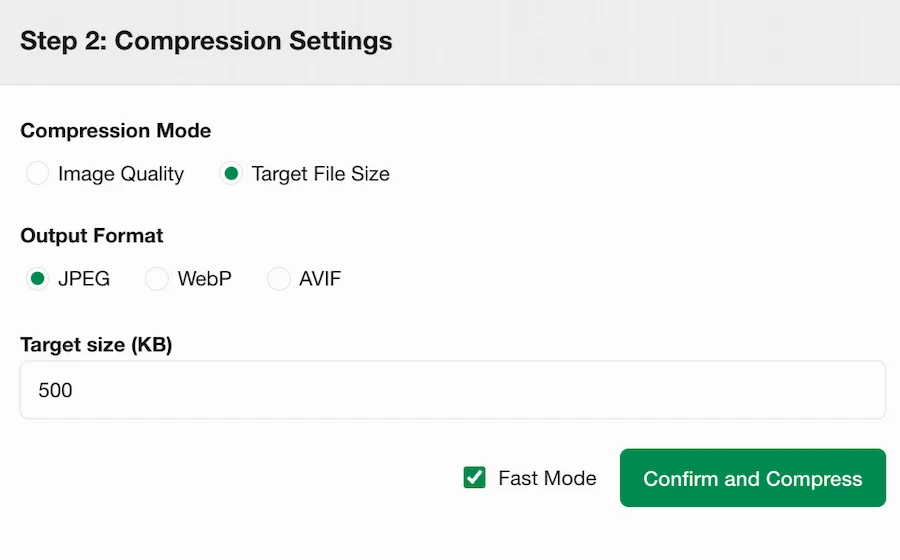
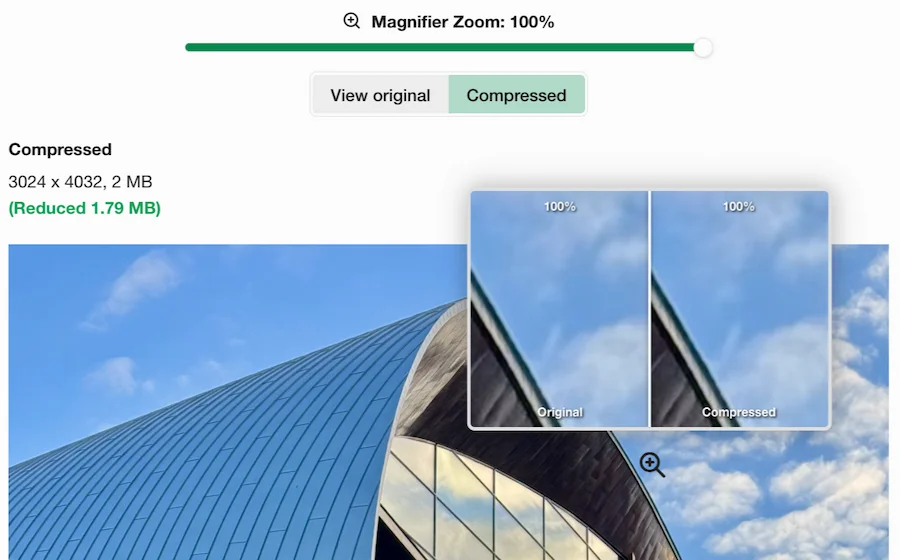
নিখুঁত সংকুচন

একটি গুণমানের স্তর বা সঠিক লক্ষ্য ফাইলের আকার সেট করুন, আউটপুট ফরম্যাট চুনুন এবং দ্রুত এবং মানক সংকোচন মোডের মধ্যে টগল করুন। সেটিংস সামঞ্জস্য করার সময় পরিবর্তনগুলি তাৎক্ষণিকভাবে প্রিভিউ করুন।

ইমেজ কম্প্রেসর খুলুন
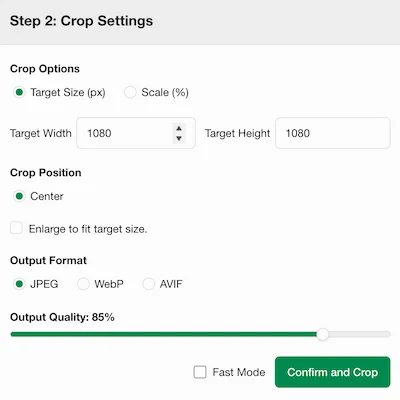
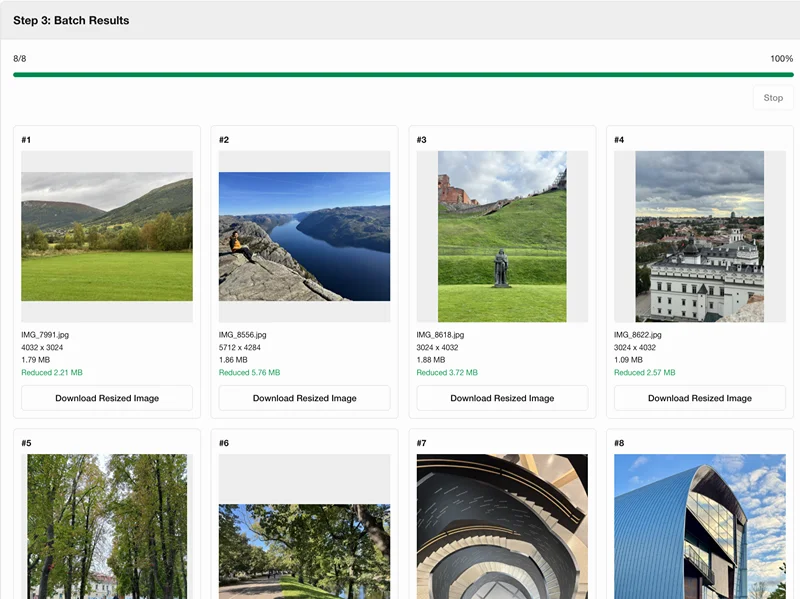
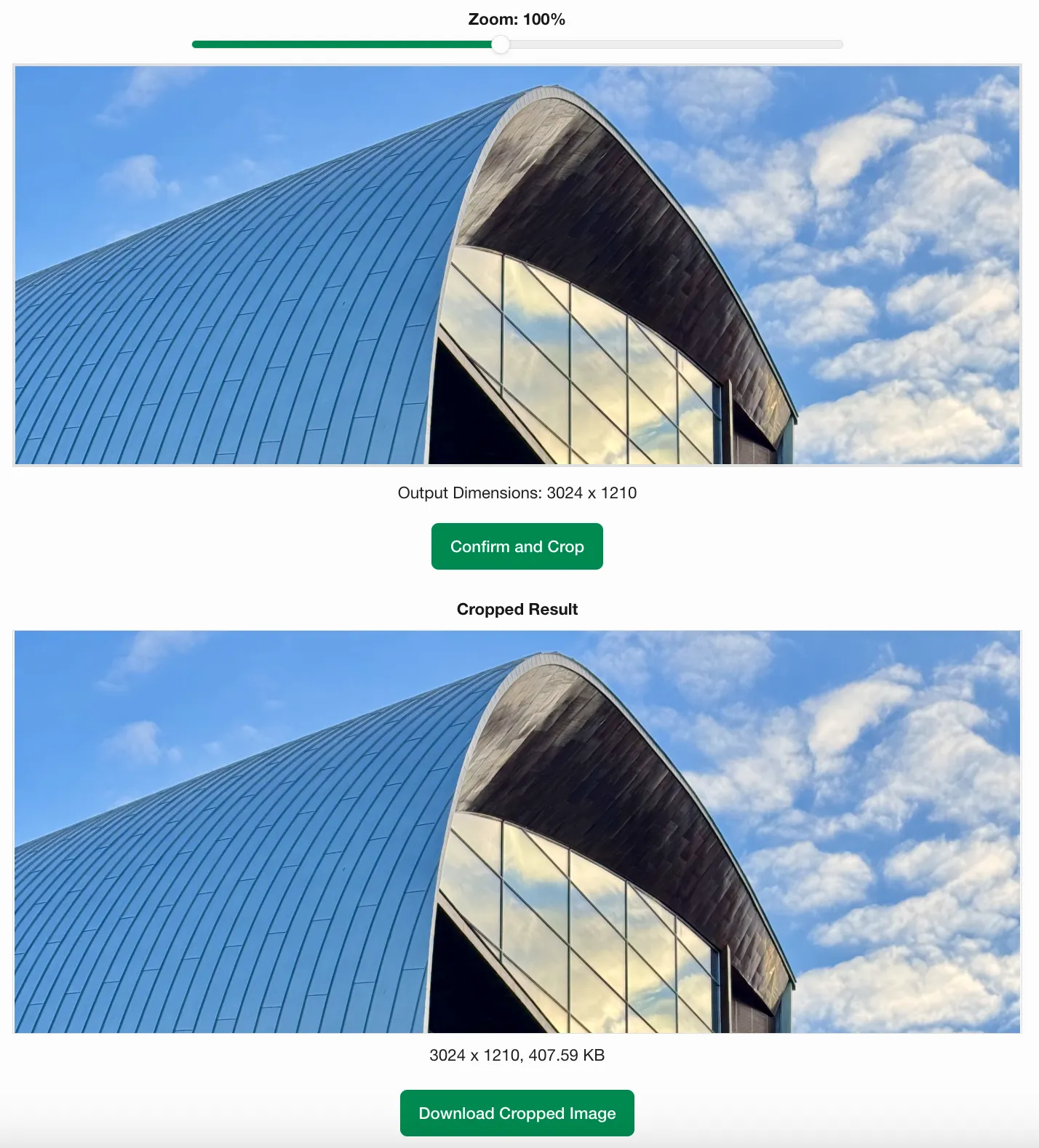
নিখুঁত ছবি ক্রপ

সঠিক ক্রপ মাত্রা সেট করুন বা শতাংশ অনুসারে স্কেল করুন, তারপর ক্রপ এলাকা সূক্ষ্ম সমন্বয় করতে আপনার ছবি জুম এবং টেনে আনুন। ব্যাচ মোড দ্রুত প্রক্রিয়াকরণের জন্য স্বয়ংক্রিয় কেন্দ্র ক্রপিং সমর্থন করে।

ইমেজ ক্রপার খুলুন
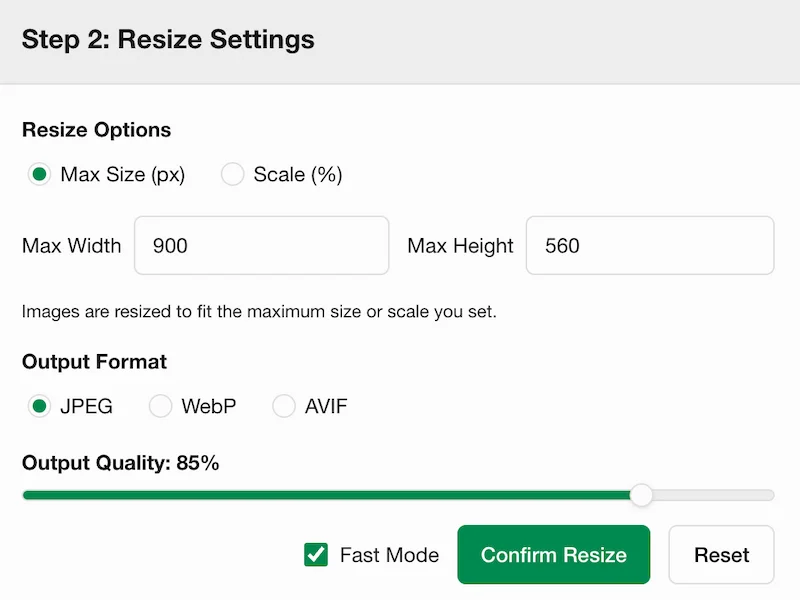
নমনীয় ছবি আকার পরিবর্তন

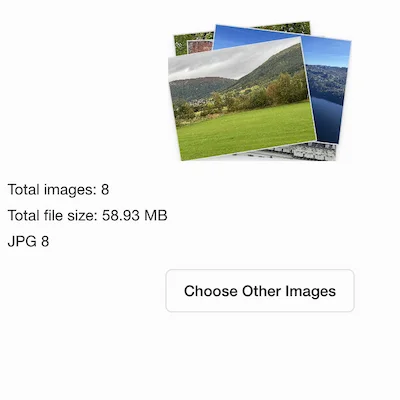
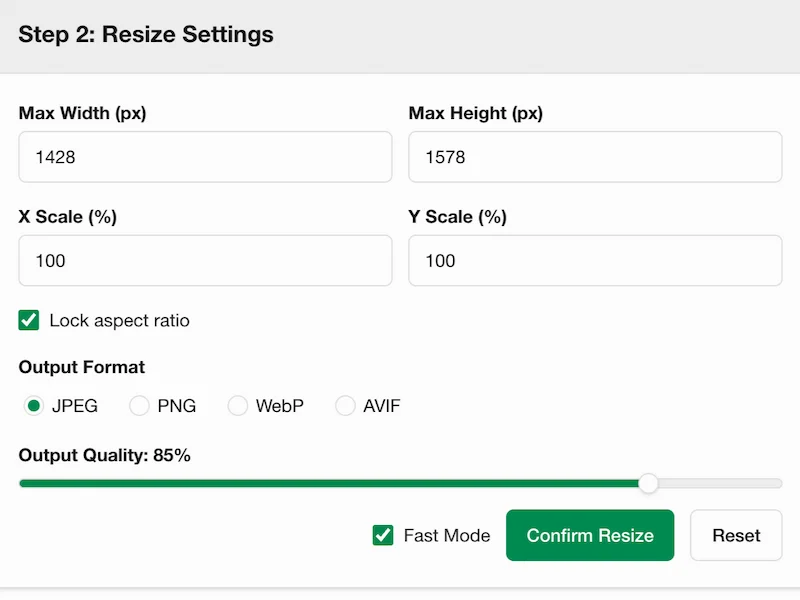
সর্বোচ্চ প্রস্থ এবং উচ্চতা সেট করে বা শতাংশ দ্বারা স্কেল করে ছবির আকার পরিবর্তন করুন। একাধিক ছবির ব্যাচ আকার পরিবর্তন করুন এবং সেগুলিকে একটি ZIP ফাইল হিসাবে ডাউনলোড করুন।

ইমেজ রিসাইজার খুলুন
FAQ

Why is it called Picsabc?
The name Picsabc.com combines Pics (image) and abc, conveying a simple, zero-learning-curve experience. Clear UI, practical UX, and a browser-first workflow help users process images quickly without extra software.
What does Picsabc.com offer?
Picsabc.com provides browser-based core image processing tools, including image compression, cropping, resizing, and video frame extraction. The platform is designed for fast, practical media processing without extra software.
How does the tool protect my privacy?
All image and video processing runs locally in your web browser. Your files are never sent to a server, ensuring complete privacy and data security.
Why does image processing run directly in the browser?
Modern web browsers have built-in media decoding, canvas rendering, and file export. By leveraging these native browser APIs, tools process files directly on your device, ensuring speed, security, and zero server load.
Do I need to install any software or plugins?
No. All tools are entirely web-based and run directly in your browser. You don't need to install any apps or extensions to crop, compress, resize, or extract video frames.
How do I use this tool on iPhone or Android?
Open the site in any modern mobile browser on iOS or Android (such as Safari or Chrome). You can perform all core operations directly on your phone and save results to local storage.
Why does background removal require server processing while other tools run locally?
Tools like compression, resizing, and video extraction can run in the browser using local HTML5 APIs. However, high-precision background removal relies on massive AI neural networks. Files are temporarily uploaded, processed on our dedicated servers, and completely deleted within 1 hour.